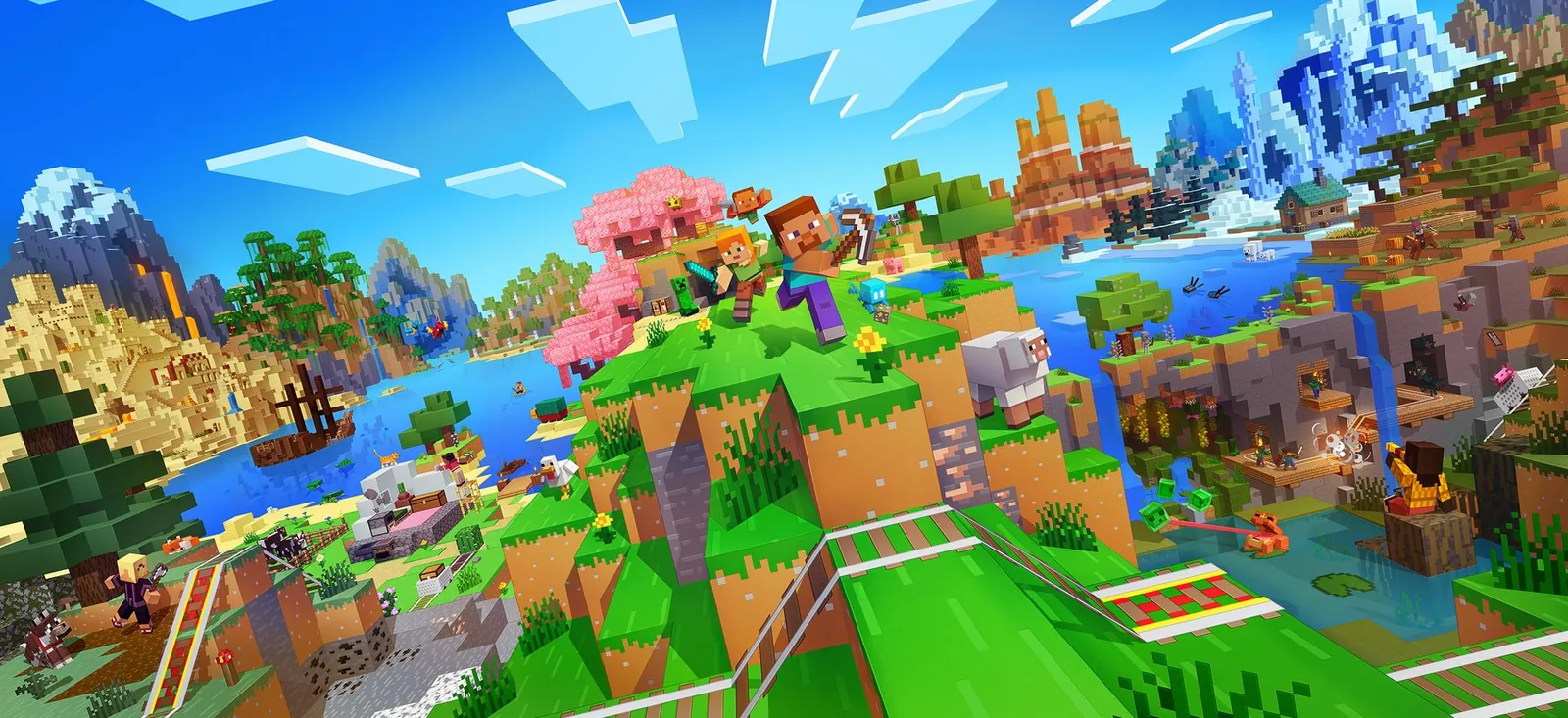
Section one
第一部分
Join the event
参加活动
Everything you have to do before Monday 31 August, 4:00 pm — install, settings, server address, whitelist, password. Work down the list and tick as you go.
8月31日 星期一 下午 4:00 之前你要做的全部事情 —— 安装、设置、服务器地址、白名单、密码。 照着清单一项一项做,做完打勾。
Fresh world, pregenerated so nothing lags while we explore it. The server sends a modest view distance on purpose — the enormous horizon comes from Distant Horizons, a mod that draws the far terrain on your own machine.
It only looks right if everyone has it. That's what the list below is for.
全新的世界,已经预生成好了,所以探索的时候不会卡。服务器本身只发送不大的视距 — 那个超远的地平线是靠 Distant Horizons 这个模组,在你自己的电脑上画出远处的地形。
但是必须每个人都装了才好看。下面这份清单就是干这个的。
Setup
安装步骤
-
Get on Minecraft Java 26.2
先把 Minecraft Java 版切到 26.2
Java Edition, version
26.2exactly. Not Bedrock — Bedrock can't join this server at all. Whatever launcher you use, set the profile to 26.2 and let it download before touching anything else.必须是 Java 版,版本
26.2,一个字都不能差。不能是基岩版(Bedrock), 基岩版根本进不来。不管你用哪个启动器,先把配置改成 26.2 下载好,再做别的。For additional information please refer to these two links.
更多资讯请参考这两个链接。
-
Install Fabric
安装 Fabric
Fabric is the loader that lets Minecraft run mods. Get the installer from fabricmc.net, run it, choose 26.2, install. It adds a new profile to your launcher — from now on you launch that one, not the normal one.
Fabric 是让 Minecraft 能跑模组的加载器。到 fabricmc.net 下载安装器,运行,选 26.2,安装。它会在你的启动器里多出一个配置 — 以后要启动那一个,不是原本那个。
If the installer won't open, you're missing Java. Install Temurin 21 first. 如果安装器打不开,是因为电脑没有 Java。先装 Temurin 21。 -
Install Distant Horizons
安装 Distant Horizons
Download from Modrinth — take the newest build ending in
-b-26.2. Then drop the.jarinto your mods folder. Paste this into the Windows address bar:到 Modrinth 下载 — 选最新的、结尾是
-b-26.2的那个。然后把.jar文件丢进 mods 文件夹。把下面这行贴到 Windows 的地址栏就到了:Mods folderMods 文件夹 %appdata%\.minecraft\modsFastest way there 最快的方法 Win+R opens Run → paste with 打开「运行」→ 按 Ctrl+V →贴上 → EnterWe all need the same build. A version mismatch here is the most likely reason someone's horizon looks broken on the night. Say in the chat which one you grabbed. 大家必须装同一个版本。当晚有人地平线不正常,最大的可能就是版本对不上。 装好后在群里说一声你下的是哪个。 -
Set it up so it actually looks good
调好设置,才会真的好看
Launch once on the Fabric profile so Distant Horizons writes its config, then set these. Your vanilla render distance stays low on purpose — the server caps it anyway, and DH is what gives you the distance.
先用 Fabric 配置启动一次,让 Distant Horizons 生成设置档,然后照下面设。 原版视距故意保持低 — 反正服务器有上限,远处是靠 DH 画出来的。
Where the settings live 设置在哪里 Esc in game → Options → Video Settings. Distant Horizons has its own button on the same Options screen. 游戏中按 → 选项 → 视频设置。Distant Horizons 在同一个选项画面里有自己的按钮。Setting设置项 Value数值 Why为什么 Video → Render distance视频设置 → 渲染距离 12 Matches the server cap. Higher does nothing at all.刚好等于服务器上限。调更高完全没用。 DH → LOD render distanceDH → LOD 渲染距离 128+ This is the horizon. Push it until your FPS complains.这个才是地平线。一直调高,直到帧数开始掉。 DH → Quality presetDH → 画质预设 Medium Start here. Raise it if your machine is comfortable.先从这里开始。电脑撑得住再往上调。 DH → CPU loadDH → CPU 负载 Balanced Drop to Low Impact if the game stutters while terrain loads.如果加载地形时会卡顿,就降到 Low Impact。 The far terrain is scenery, not simulation — no mobs, no players, nothing moving out there. People only appear once they're inside the real view distance. That's normal, not a bug. 远处的地形只是风景,不是真的在运行 — 那边没有怪物、没有玩家、 什么都不会动。别人要进到真正的视距内才看得见。这是正常的,不是 bug。 -
Add the server
添加服务器
Multiplayer → Add Server. Two boxes, two values:
多人游戏 → 添加服务器。两个栏,两个值:
Server name服务器名称 SolouMerdeka#26Server address服务器地址 soloumerdeka.duckdns.orgPasting into the boxes 怎么贴进去 Click the box, then 点一下输入栏,然后按 Ctrl+V — Minecraft does support paste, it just never says so. — Minecraft 其实支持粘贴,只是它从来不说。No port number — paste the address exactly as it is.
不用加端口号 — 地址原封不动贴上去就行。
-
Send me your two names
把你的两个名字发给我
The server is whitelist-only, so nothing works until your name is on it. Fill both in and hit copy — you'll paste it into the Discord text channel in the next step. Your Minecraft name must be exact, capitals and underscores included.
服务器是白名单制的,名字没加进去就什么都进不了。两个都填好,按复制 — 下一步进 Discord 之后贴到文字频道。Minecraft 名字必须一模一样,大小写和下划线都算。
MC: … | Discord: … -
Get on the Discord
进 Discord
Join both, then paste your line from the last step into the text channel. Everything happens here — questions beforehand, voice on the night.
两个都进,然后把上一步复制的那行贴到文字频道。所有事情都在这里 — 事前问问题,当晚开语音。
-
Join, and set a password
进服,设个密码
Once you're whitelisted, join. Before you land in the world a box pops up — pick a password and type it twice. That's it, you're registered.
名字加好之后进服。还没进到世界之前会弹出一个框 — 想一个密码,打两次。这样就注册好了。
Every time after that the same box asks for it once. Nothing to type in chat.
之后每次进来同一个框会叫你打一次密码,不用在聊天栏打字。
Opening the chat box 怎么打开聊天栏 T opens chat. Or press 打开聊天。或者按 / to open it with the slash already typed. Esc closes it. 直接带着斜杠打开。Esc 关掉。If no box shows up, do it in chat instead:
如果没有弹框,就在聊天栏打:
/register yourpassword yourpasswordand after that
/login yourpassword. Until you're logged in you can't move or build.之后就打
/login yourpassword。没登录之前不能动也不能建。Don't reuse a password you care about. This one lives on a laptop in my room, not in a bank. 别用你重要的密码。这个密码是存在我房间那台笔电里的,不是银行。
Want cool graphics?
想要更好看的画面吗?
Nobody needs this to play. But if your machine has room, shaders make the world look properly good — and the far horizon with them is the whole reason we set the server up this way.
这个不装也能玩。但如果你的电脑跑得动,光影会让整个世界好看很多 — 配上远处的地平线,本来就是我们这样架服务器的原因。
You need Iris
as well — it's the mod that loads shaders, and it goes in the same mods folder.
你还需要 Iris —
它是负责加载光影的模组,放进同一个 mods 文件夹。
| Shader光影 | Cost负担 | Who it's for适合谁 | |
|---|---|---|---|
| Solas | Light | 轻 | Start here on a weak machine. Warm and pretty without asking much.电脑一般的先试这个。够好看,又不太吃性能。 |
| Nostalgia | Light | 轻 | Softer, older-looking. Kind on laptops.画面比较柔和、复古。笔电友好。 |
| Super Duper Vanilla | Light | 轻 | Keeps Minecraft looking like Minecraft, just lit properly.保持原版的样子,只是光影做好了。 |
| Complementary Unbound | Medium | 中 | The popular one, and it does work with DH. Needs a bit of GPU.最多人用的那个,跟 DH 也合得来。要一点显卡性能。 |
| BSL | Medium | 中 | Bright and glossy. Good if your machine can take it.明亮、有光泽。电脑撑得住就选它。 |
If it comes down to a choice: keep the horizon, drop the shaders. The distance is the thing that makes this server look different, and shaders cost far more frames than it does.
如果只能二选一:保住地平线,放弃光影。远景才是这个服务器好看的原因, 而光影吃掉的帧数比它多得多。
Troubleshooting
出问题的话
- "Outdated client" or "Outdated server"
- 显示 "Outdated client" 或 "Outdated server"
- You're not on 26.2. Change the profile version and relaunch.
- 你不是 26.2。改一下配置的版本再重开。
- I get in, but the world still ends after a dozen chunks
- 进得去,但世界还是十几个区块就没了
- Distant Horizons isn't loading. Check you launched the Fabric profile, and that the jar is actually in
mods. - Distant Horizons 没加载。确认你开的是 Fabric 那个配置,还有 jar 档真的在
mods里面。 - The distance is there but blurry and low-poly
- 远处有东西,但很糊、很方
- That's what it is — simplified geometry, on purpose. Raise the DH quality preset if your machine can take it.
- 本来就是这样 — 故意简化的模型。电脑撑得住的话把 DH 画质调高。
- Big pieces of the horizon are missing
- 地平线缺了一大块
- Give it a minute on first join — the server sends the terrain data in the background. It fills in.
- 第一次进服等一下 — 服务器在后台传地形资料,会慢慢补上。
- "You are not whitelisted on this server"
- 显示 "You are not whitelisted on this server"
- Your name isn't on the list yet, or it's spelled differently to what you sent. Send it again exactly as it appears in game.
- 你的名字还没加上,或者跟你发的拼法不一样。照游戏里显示的原样再发一次。
- It worked yesterday and now it won't connect
- 昨天还好好的,今天连不上
- The server runs on a laptop at my place. Sometimes the laptop loses power. Say something in the text channel.
- 服务器是跑在我家一台笔电上的,有时候会断电。在文字频道说一声。